%%USERNAME%%    %%ACCWORDS%% %%ONOFF%% |




 |
How to link your blog post in the newsfeed. |
|
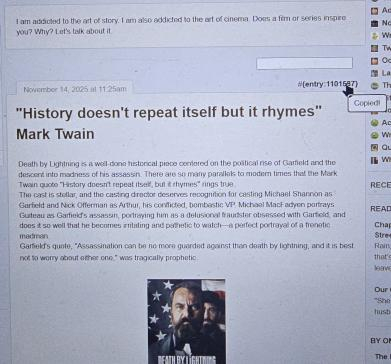
How to link your blog post in the newsfeed: When viewing the post in your blog, note the #number in the top right corner of the post. Click it one time to grab the WritingML, which will look like this: {entry:12345678}. Then go to the newsfeed and paste the code into a new newsfeed post. |
 View Portfolio
 Visit Notebook
 Send Gift Points
 Awards
 Badges
 Send Email


 Community Newsfeed
 Puzzle Hub
 General Discussion
 Sponsored Items
 Book of Trinkets
 Static Items
 Books
Books Groups
 Interactive Stories
 Audio
Audio Campfire Creatives
 Community Notes
 Crossword Puzzles
 Documents
 Folders
 Images
 In & Outs
 Madlibs
 Photo Albums
 Polls
Polls Product Reviews
 Quizzes
 Survey Forms
 Web Pages
 Word Searches


